Cross-functional features
archivio.com provides several features that do not belong to a single module or page, but remain accessible across multiple areas of the site: they make the archive an operational tool, speeding up searches and ensuring a practical use of its content.
The main ones are presented below.
Pins: operation and management
The platform allows each logged-in user to mark records of interest with a "Pin", by clicking on the pushpin icon in the top right corner of the record preview (fig. 1), or on open detail records (fig. 2).
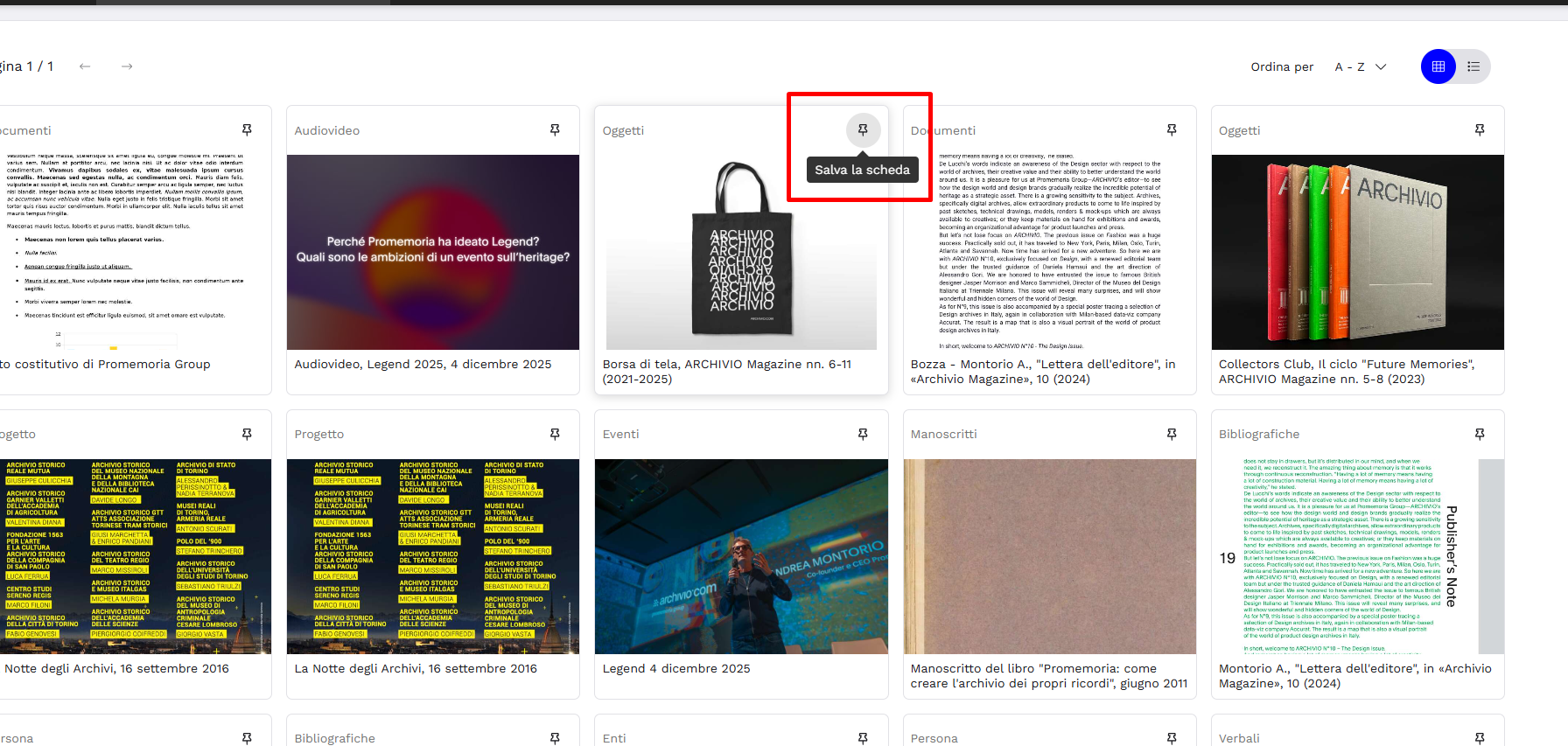
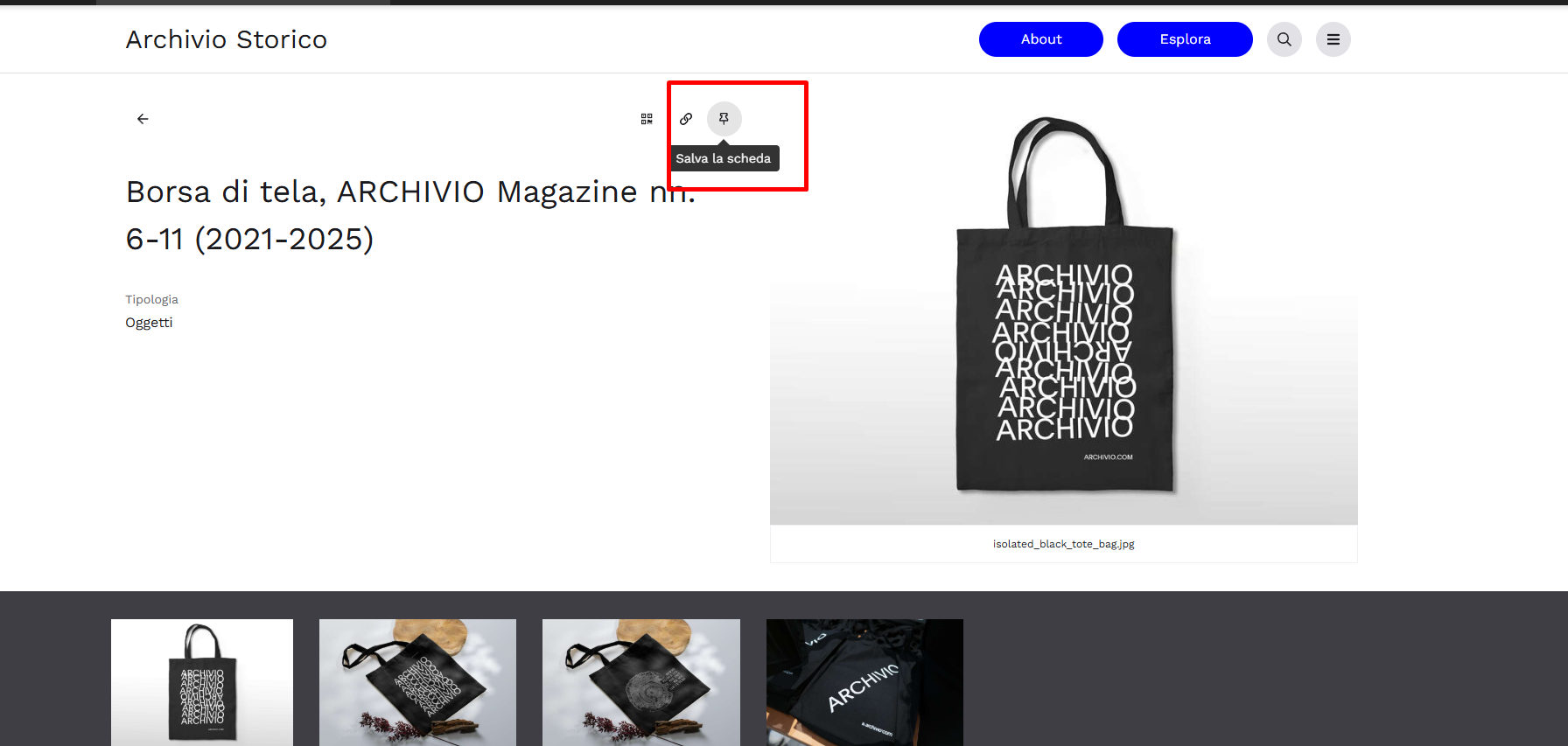
When the pin is filled with color, the record has been correctly marked.
Every user, upon returning to the site after logging in, will find all the records marked as of interest: a sort of permanent collection at their disposal.
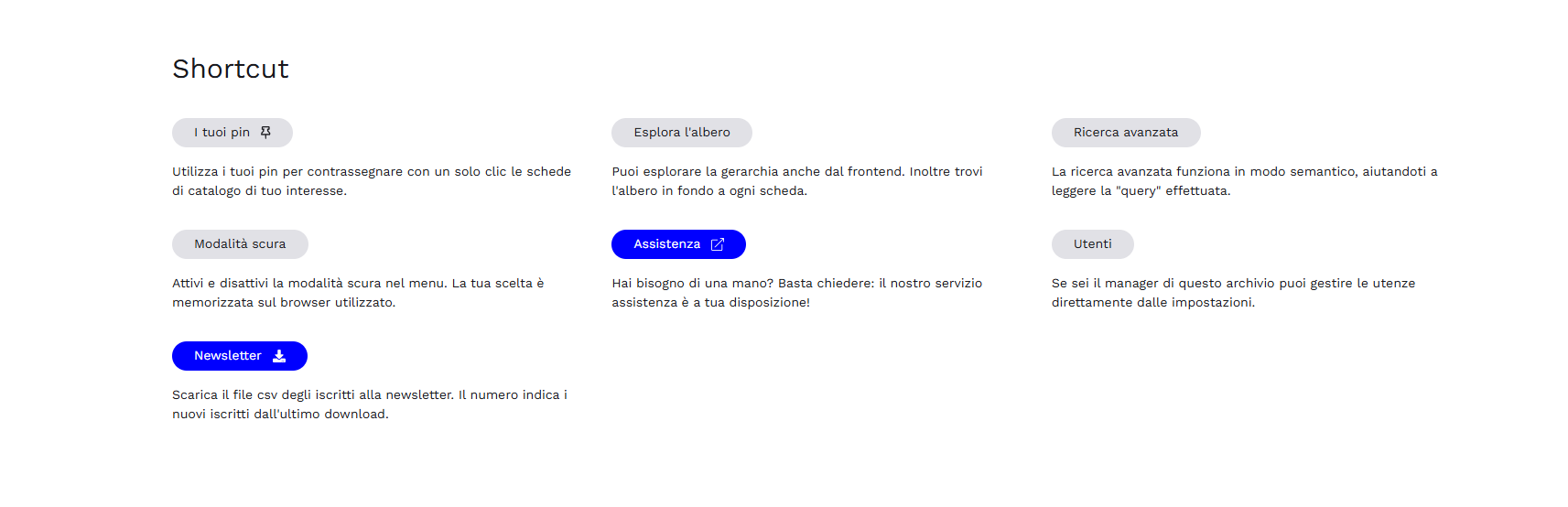
Your "Pins" can be viewed in the following ways:
- From the Shortcut, for quick access
- From the navigation menu, once logged in
- From the "Explore" section, through the dedicated module (see the "Pin" Module in this regard).
- From the search area, by enabling the "Your Pins" button
Users who are not logged in do not see this module and cannot mark records.
Multilingual Mode
One of the features of archivio.com is native support for Italian, English, and French: by enabling the Multilingua option (see the General section in this regard), the Customer can choose which of these to actually make available on their site.
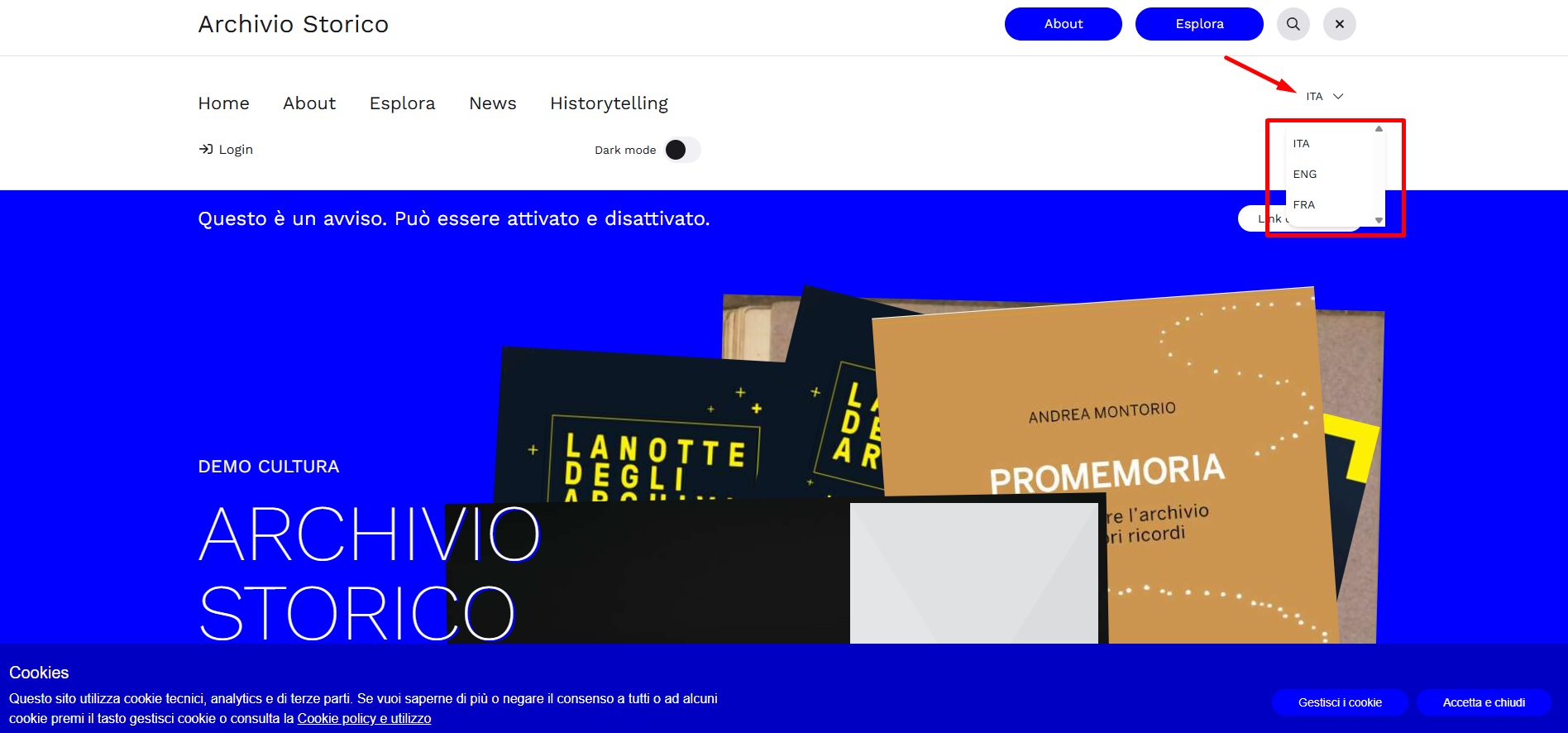
Each visitor can then select their language of choice from the navigation menu (see the section dedicated to the General overview of the front-end).
To be visible in a specific language, the contents of the descriptive records must have actually been translated in the designated Localized fields provided in the back-end. For further details, see the section Localized fields in the reference Pimcore manual.