The detail record
As anticipated in the previous paragraphs, search results on archivio.com allow access to the detail record of individual units.
The features described in the following paragraphs apply equally to each of the three platform versions — Cultura, Musei, Opere. Due to the greater complexity of its relationships, which allows for illustrating a wider range of cases, the examples shown refer to the "Opere" version.
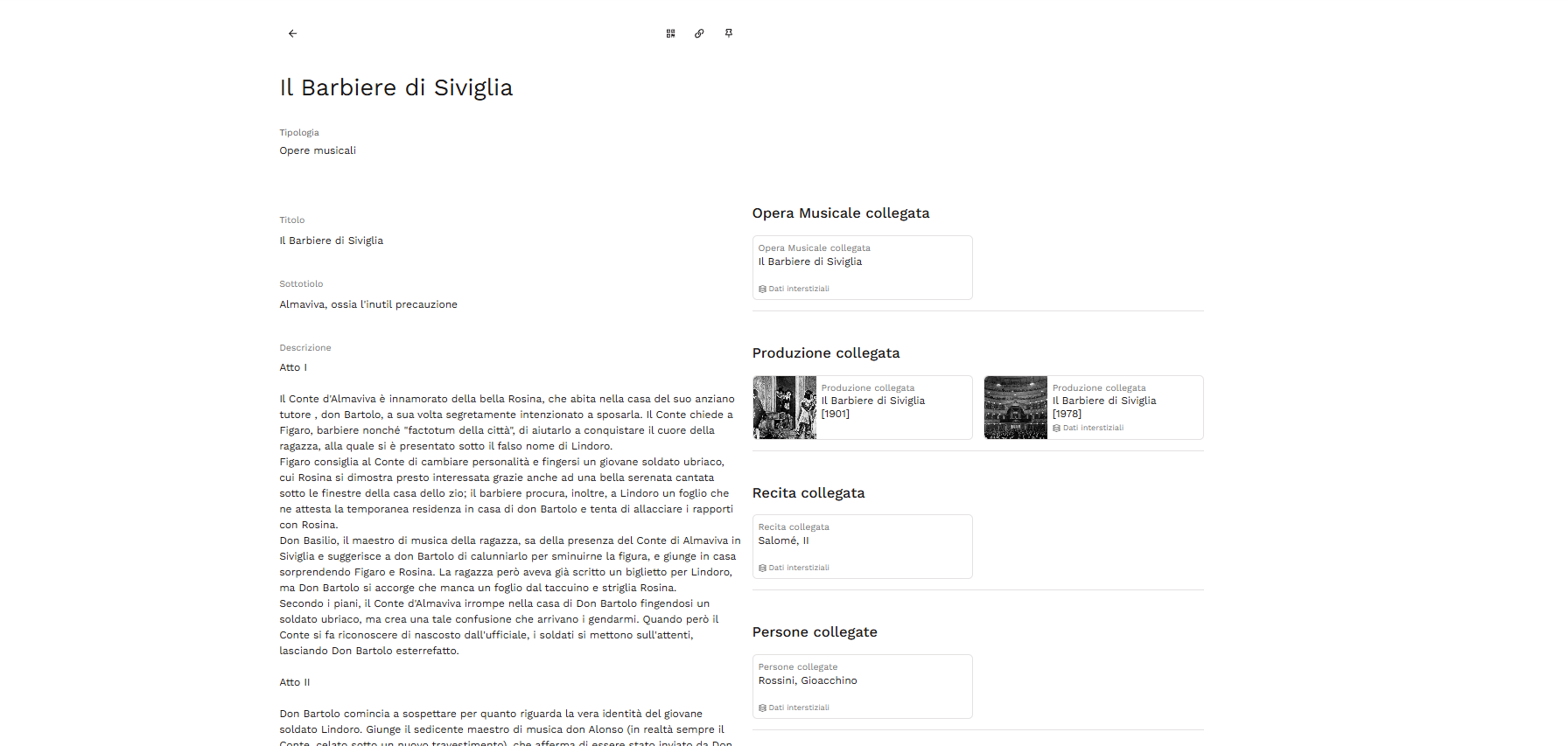
General features
Clicking on a card opens the detail record of the corresponding unit: the displayed text fields show the information entered in the back-end during cataloging (see the paragraph The information areas of descriptive records — here and in subsequent references, reference is made to the Cultura Pimcore manual, taken as the canonical configuration for features common to all three versions of the platform).
The level of detail of the descriptions is defined by the Client during cataloging. The presence of related documents (relationships between records) also allows for reconstructing the path provided by the hierarchical structure of the archive and expanding the search with related materials.
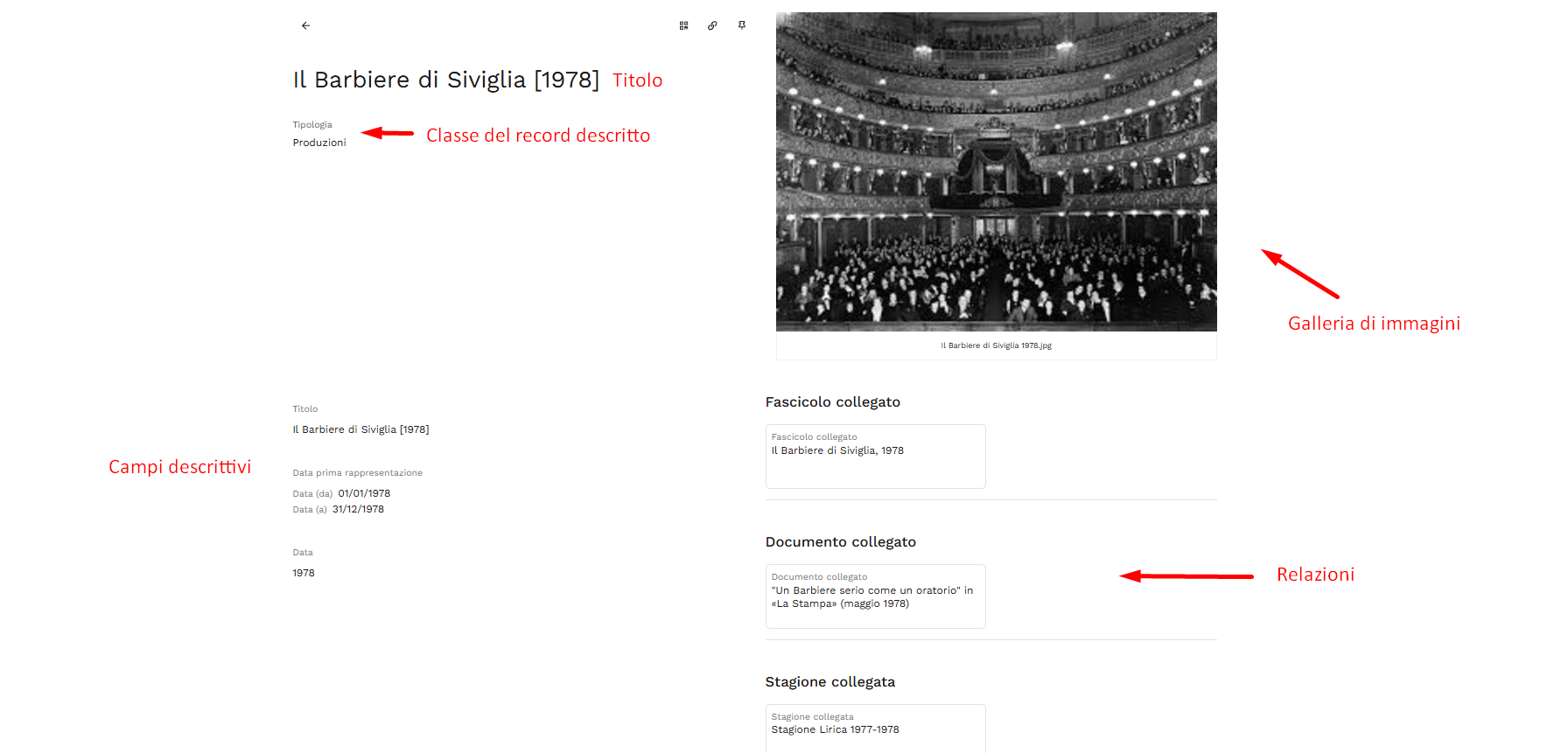
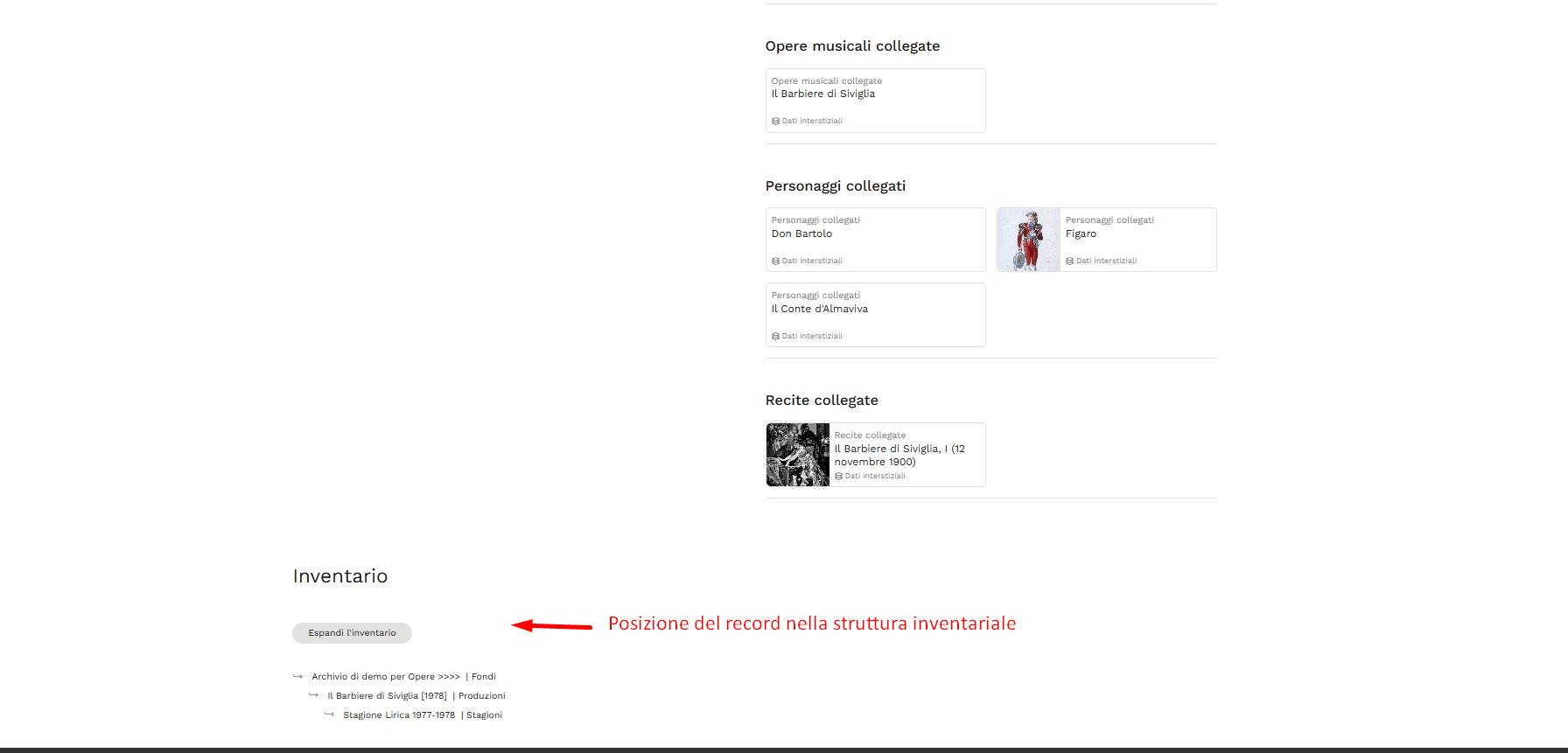
For each type of descriptive record, you can request the intervention of Promemoria Group to agree with the Client on which metadata to display and in what order. Unless otherwise specified, all populated fields appear by default in the order in which they appear in the descriptive template.
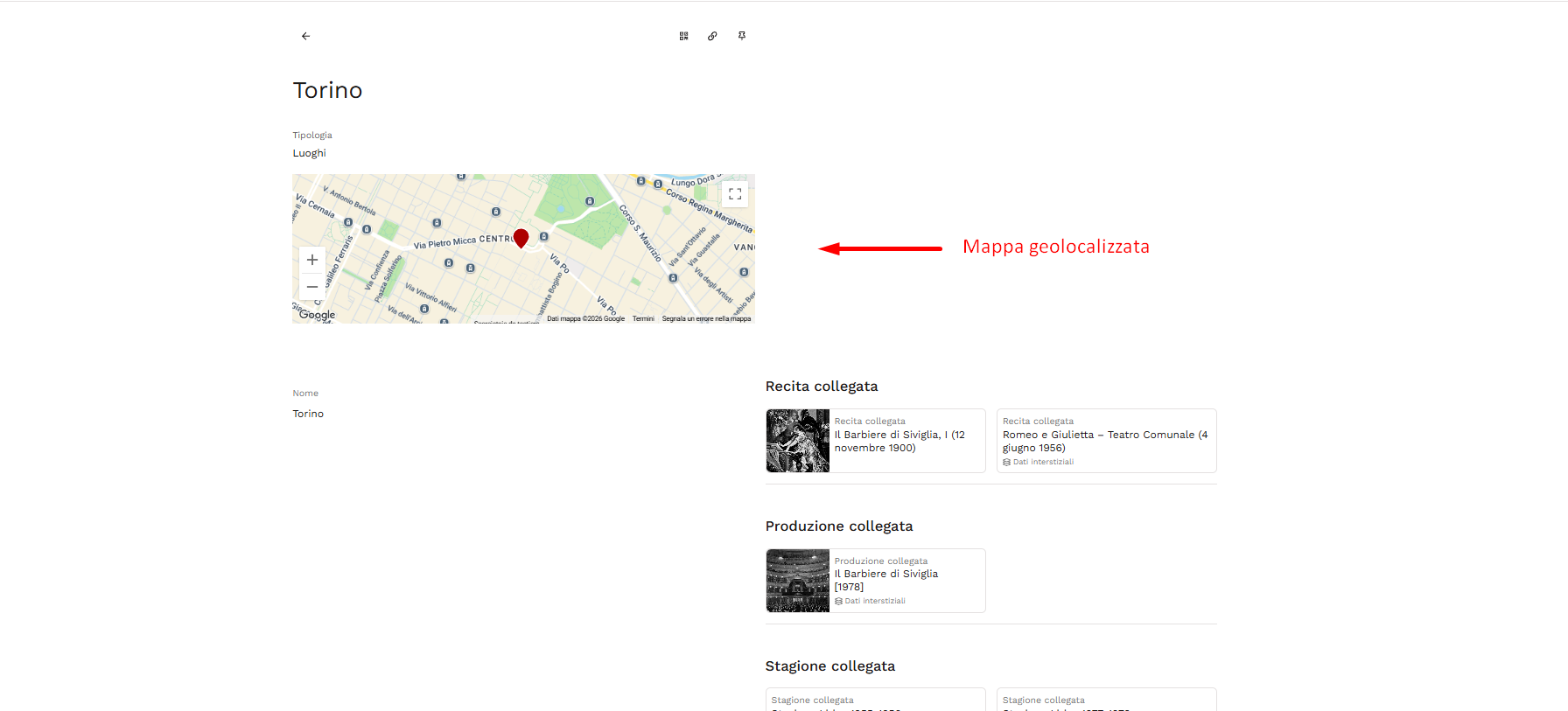
Some object classes include specific additional fields, such as geolocation: key examples are "Place" type records (see also the paragraphs relating to the References group in the reference Pimcore manual).
Relationships
The detail record reports, in separate sections, the relationships defined during cataloging (People, Corporate bodies, Places, etc.) depending on the described class and the links actually present. Each section contains one or more cards, each corresponding to a linked unit and its name.
When the link has been qualified during cataloging, the card also displays the Relationship label, followed by the chosen value: the specific nature of that link, drawn from a vocabulary specific to each type of connection. The vocabulary changes depending on what is being linked: for a Person it may indicate the role played (e.g. performer), for an Entity its function (production), for a Place the specific geographical relationship (place of first performance/execution).
This data — along with any free text note associated with the link — describes neither of the two linked units, but the link itself: for this reason, when present, it can be reached via the Interstitial data label shown at the end of the card. The same principle applies, with the same meaning, during cataloging as well (see the paragraph on relationships in the reference Pimcore manual, where the mechanism is described in detail).
The relationships displayed in the detail record can be direct — filled in directly on that unit — or inverse, i.e. automatically generated when another record links to the one currently being viewed. In both cases, the relationship, if qualified, displays the same interstitial data.
Auxiliary functions of the detail record
On the right side of the record, next to the media gallery, there are icons providing access to auxiliary functions.
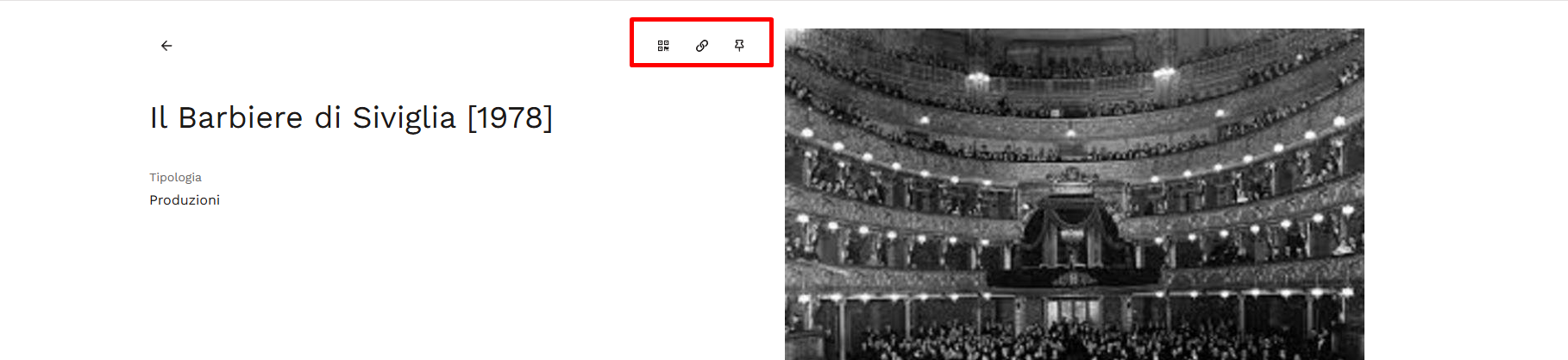
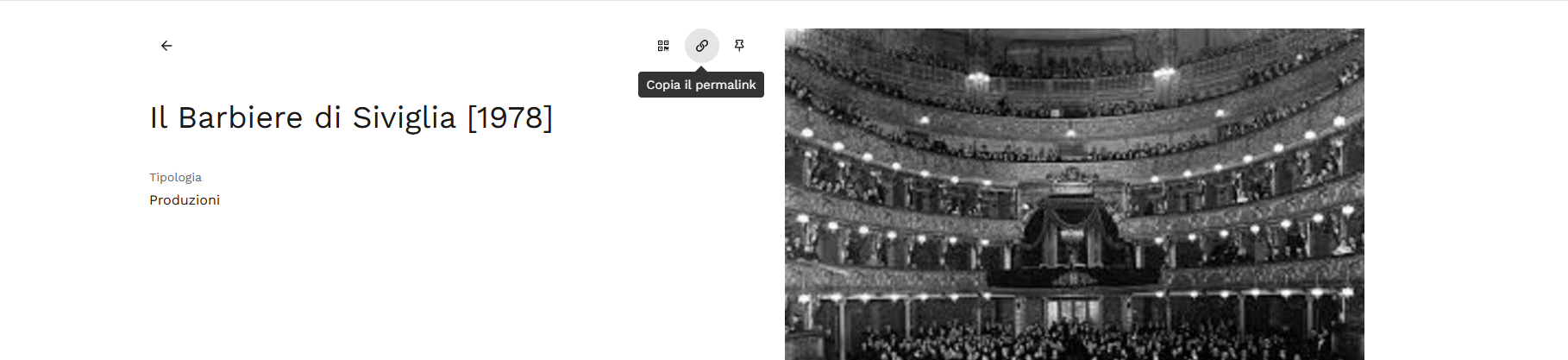
Copy permalink — copies the direct link to the record to the clipboard, useful for external sharing.
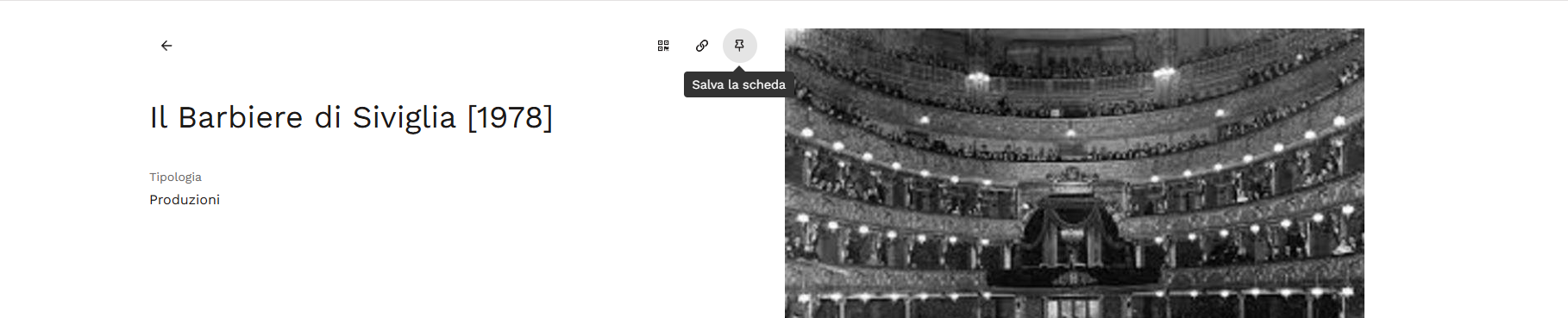
Save record — allows logged-in users to pin records of interest with a single click (see the [Pin] section in this regard).
Generate record QR code — displays the QR code associated with the record, which can be downloaded or copied with a click.
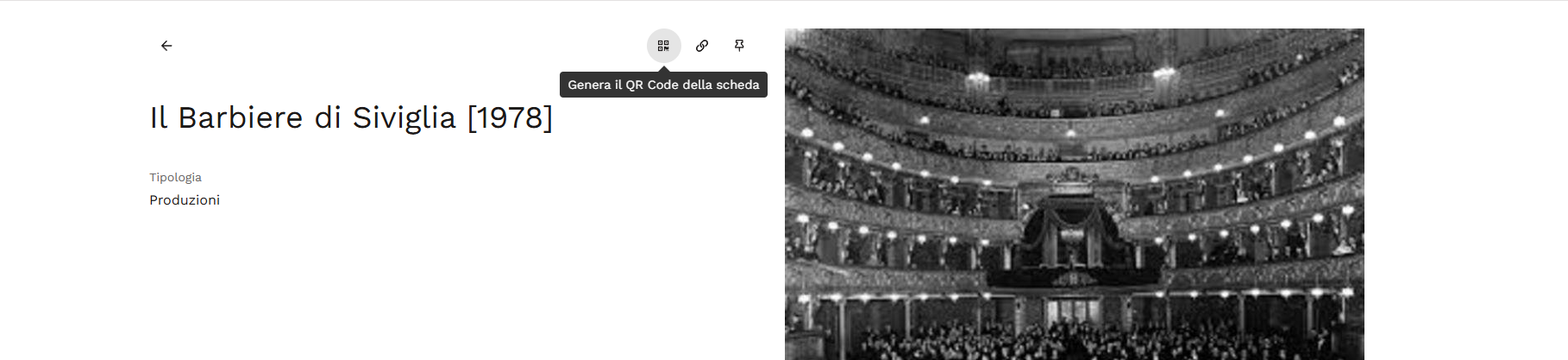
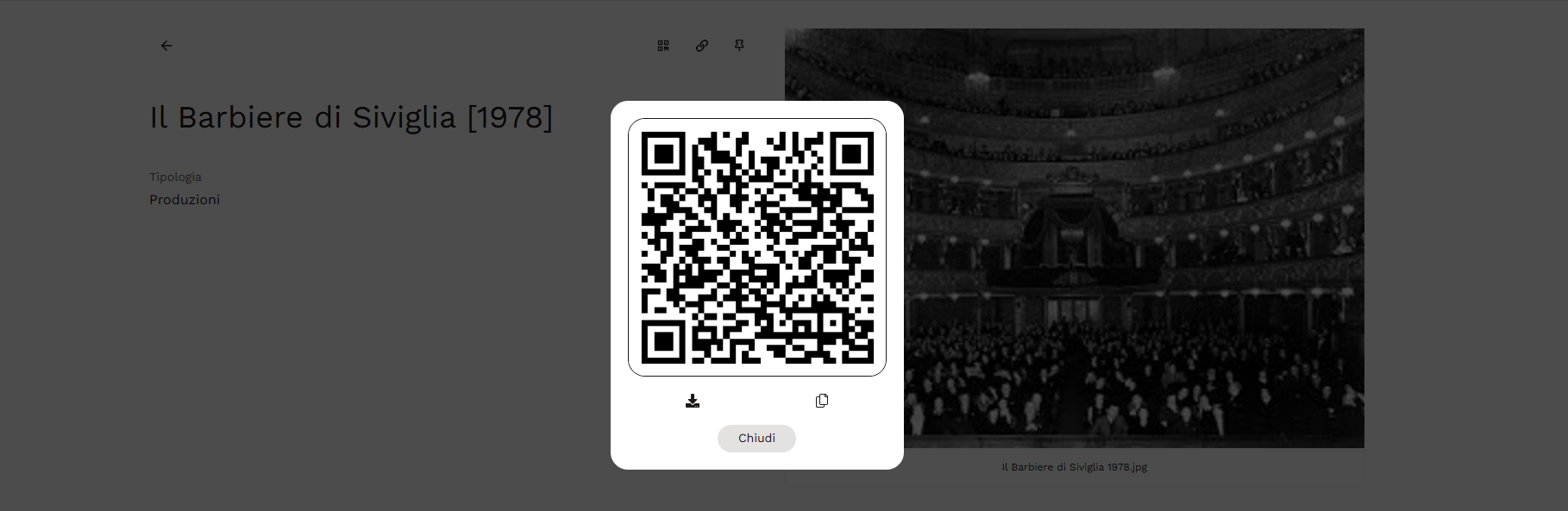
This tool is particularly useful for item traceability: by printing the QR code and affixing it to the corresponding physical object, it is possible to trace back to its descriptive record at any time.